This week I created a screen record video on using Unsplash https://unsplash.com/ to create a About Me web using OneNote for windows.
Unsplash is great to find open sourced photos that can be used freely, without worrying about Copyright infringements. It is so easy to find photos that you are looking for that can be used for educational purposes when you are unable to provide a link to the direct source of the photo.
OneNote for Windows, I use this app for taking notes and doodling. It is great because you can upload images and PDF’s and write directly on the PDF .
I used RecForth for Windows 10 to screen record, I used this screen record app previously. I find it user friendly as it uploads all my videos to directly into my computer and easy to edit videos afterwards.
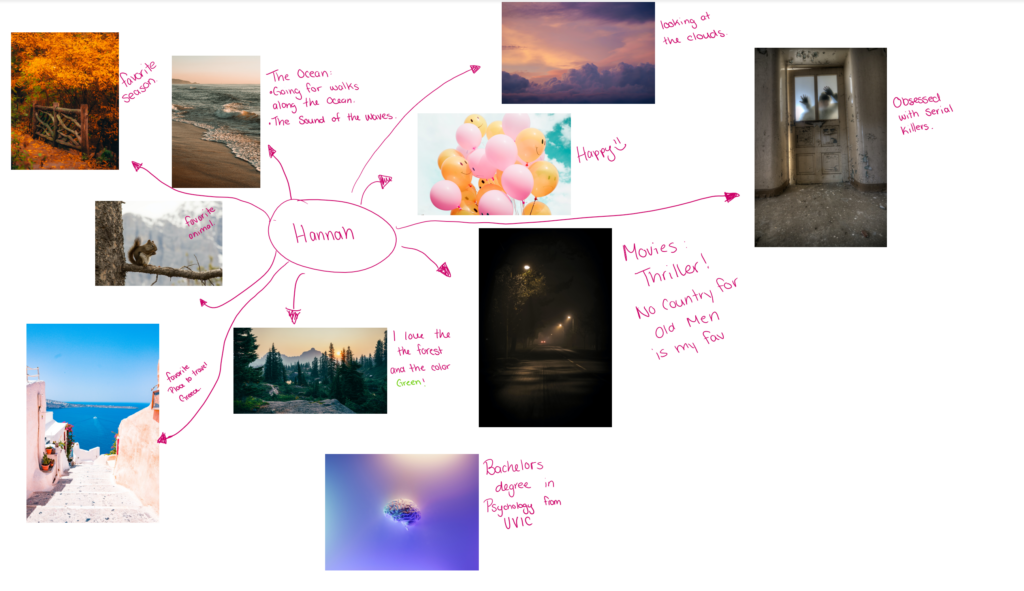
Check out my finished About Me Web that I started in my screen record video
Leave a Reply
You must be logged in to post a comment.